

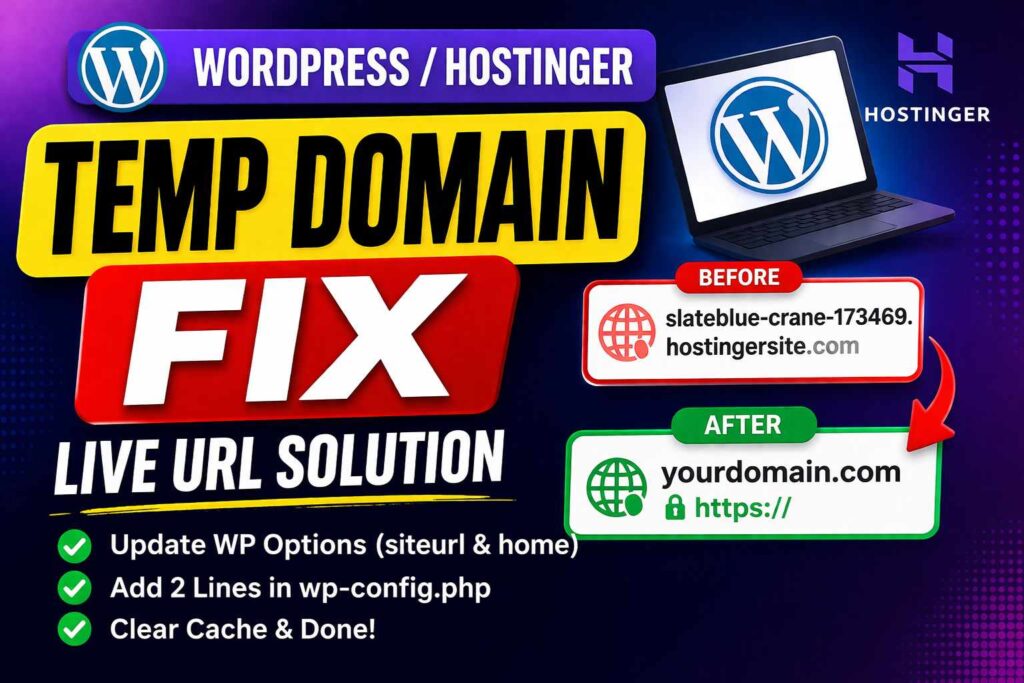
If your WordPress website is still opening the temporary domain even after connecting the main domain, don’t worry — this usually happens because WordPress is still using the old site URL.
Here’s the quick fix:
Step 1: Check Database / WP Options
Go to your database or WordPress settings and check these two values:
siteurlhome
Make sure both are using the correct main domain with HTTPS.
Example:
https://yourdomain.com
⚠️ Important:
- both should be same
- use https
- do not keep old temp domain
- do not use
http
Step 2: Force Main Domain in wp-config.php
Now open your wp-config.php file.
Add these 2 lines just above:
/* That's all, stop editing! Happy publishing. */
Add this:
define('WP_HOME', 'https://yourdomain.com');
define('WP_SITEURL', 'https://yourdomain.com');
This forces WordPress to always open the correct live domain.
Step 3: Save and Clear Cache
After that:
- clear Hostinger cache
- clear WordPress cache plugin
- open site in incognito
Final Fix
In most cases, this issue gets fixed by just:
- updating
siteurl - updating
home - adding
WP_HOME - adding
WP_SITEURL
That’s it.
If your website is still redirecting after this, then the old temporary domain is likely stored somewhere else in the database or cache.