


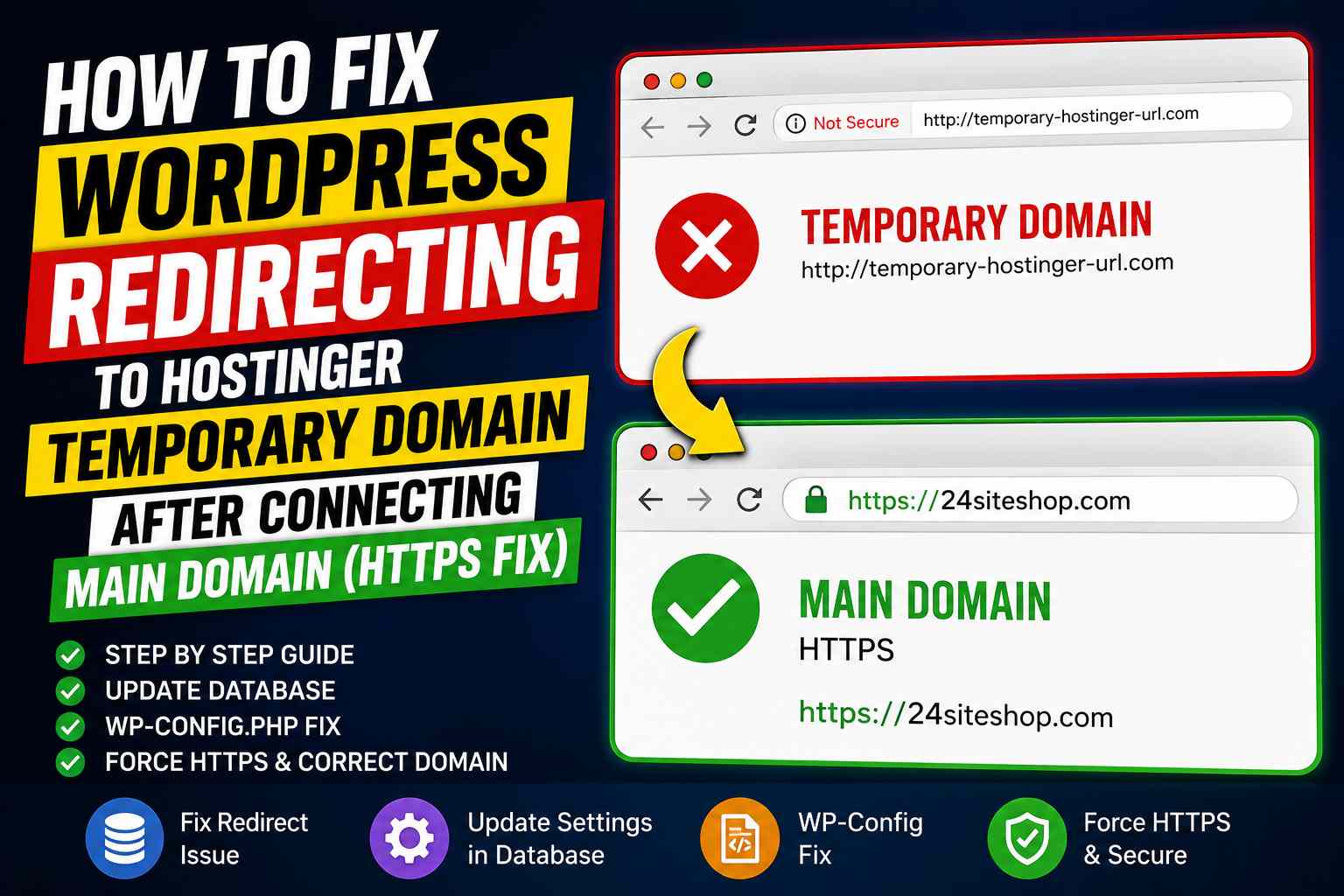
How to Fix WordPress Redirecting to Hostinger Temporary Domain After Connecting Main Domain (HTTPS Fix)
Written by Jogen Rabha
Jogen Rabha

Jogen Rabha is the Founder and CEO of 24siteshop Private Limited, with over 8 years of hands-on experience in website development. He specializes in building performance-driven WordPress websites for businesses, startups, NGOs, and service-based companies. Over the years, Jogen has worked on hundreds of real client projects, focusing on clean design, user experience, speed optimization, and SEO-friendly structures. His approach is practical and result-oriented — every website is built with a clear business goal, whether it’s lead generation, online presence, or digital growth. Jogen believes in transparency, real proof of work, and long-term client support rather than shortcuts or false promises. Through 24siteshop, he continues to help businesses establish a strong online identity using modern web technologies, proven workflows, and real-world development experience.

Read more about the author

If your WordPress website is still redirecting to the Hostinger temporary domain even after connecting your main domain, follow these steps:

Step 1: Update Site URL in Database

Open phpMyAdmin → Go to wp_options table

Change:

  • siteurlhttps://yourdomain.com
  • homehttps://yourdomain.com

Make sure both use HTTPS, not HTTP.


Step 2: Force Correct Domain in wp-config.php

Open wp-config.php and add these lines above:

/* That's all, stop editing! Happy publishing. */

Add:

define('WP_HOME','https://yourdomain.com');
define('WP_SITEURL','https://yourdomain.com');

Example:

define('WP_HOME','https://24siteshop.com');
define('WP_SITEURL','https://24siteshop.com');

This forces WordPress to use your main domain instead of the old temporary URL.


Step 3: Clear Cache

After saving:

  • Clear Hostinger cache
  • Clear WordPress cache plugins (LiteSpeed, WP Rocket, etc.)
  • Open website in Incognito mode

Step 4: Check SSL

Ensure SSL certificate is active and HTTPS is working properly.


Why This Happens?

When migrating from a Hostinger temporary domain to a live domain, WordPress sometimes keeps old URLs in settings or cache, causing redirects to the temporary domain.

This quick fix usually solves the issue in minutes.

Total Visitors:

Wait ! Leaving Already ?

Let me give you a better deal, Get 20% Flat OFF on all plans if you order today. Click the below WhatsApp link to avail the offer.

Offer Ends In

Note: This offer applies only if you place your order today.