


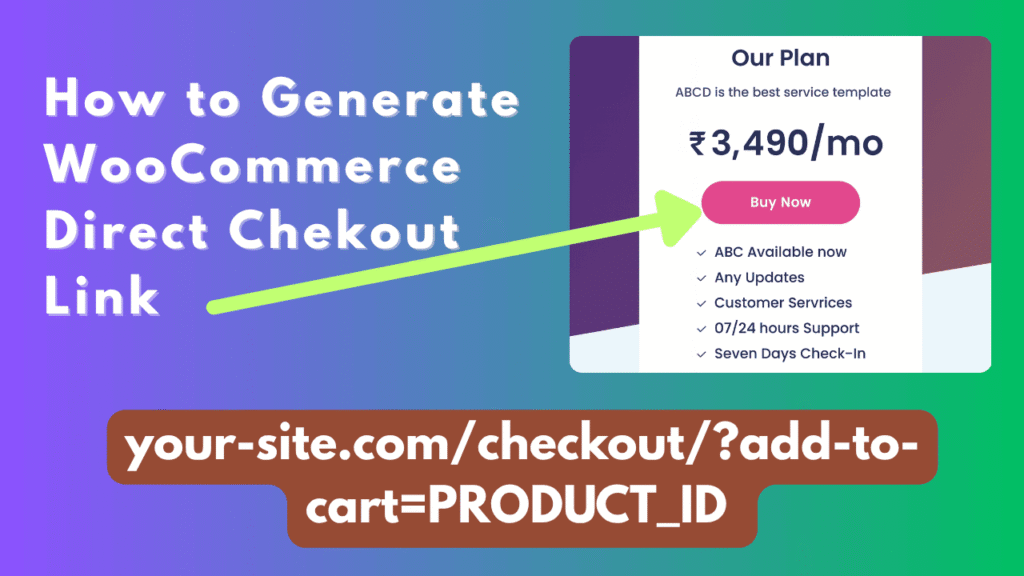
Simplify your WooCommerce shopping experience with the Direct Checkout Link Generator by 24siteshop — a free plugin that lets you instantly create one-click checkout URLs for any product. Instead of sending customers through the cart page, this tool generates direct checkout links that take them straight to payment, boosting conversions and reducing drop-offs. It’s perfect for promotions, QR codes, WhatsApp, and social media sales. With built-in options to restrict multiple products in the cart and hide add-to-cart messages, it keeps checkout clean and fast. A simple, lightweight plugin designed for smarter WooCommerce sales flow.
The Direct Checkout Link Generator by 24siteshop is a free WordPress plugin built to simplify your WooCommerce sales flow. With just a few clicks, you can generate one-click checkout links for any product — no coding or manual URL building required. These links let customers skip the cart page entirely and go straight to the checkout, making it easier and faster to complete purchases.
Once installed and activated, go to Direct Checkout Link in your WordPress admin panel. Enter the product ID you want to create a link for, adjust optional settings, and click Save Changes. Then, use the Generate Link button to instantly create a direct checkout URL. You can copy this link and share it anywhere — on WhatsApp, social media, email campaigns, or even embed it in QR codes.
The plugin also includes two handy options:
- Single-product cart mode – ensures only one product can be in the cart at a time.
- Hide cart and checkout messages – removes “added to cart” or “removed” notices for a clean experience.
This lightweight plugin is ideal for marketers, creators, and online stores that want a faster, more focused checkout process.